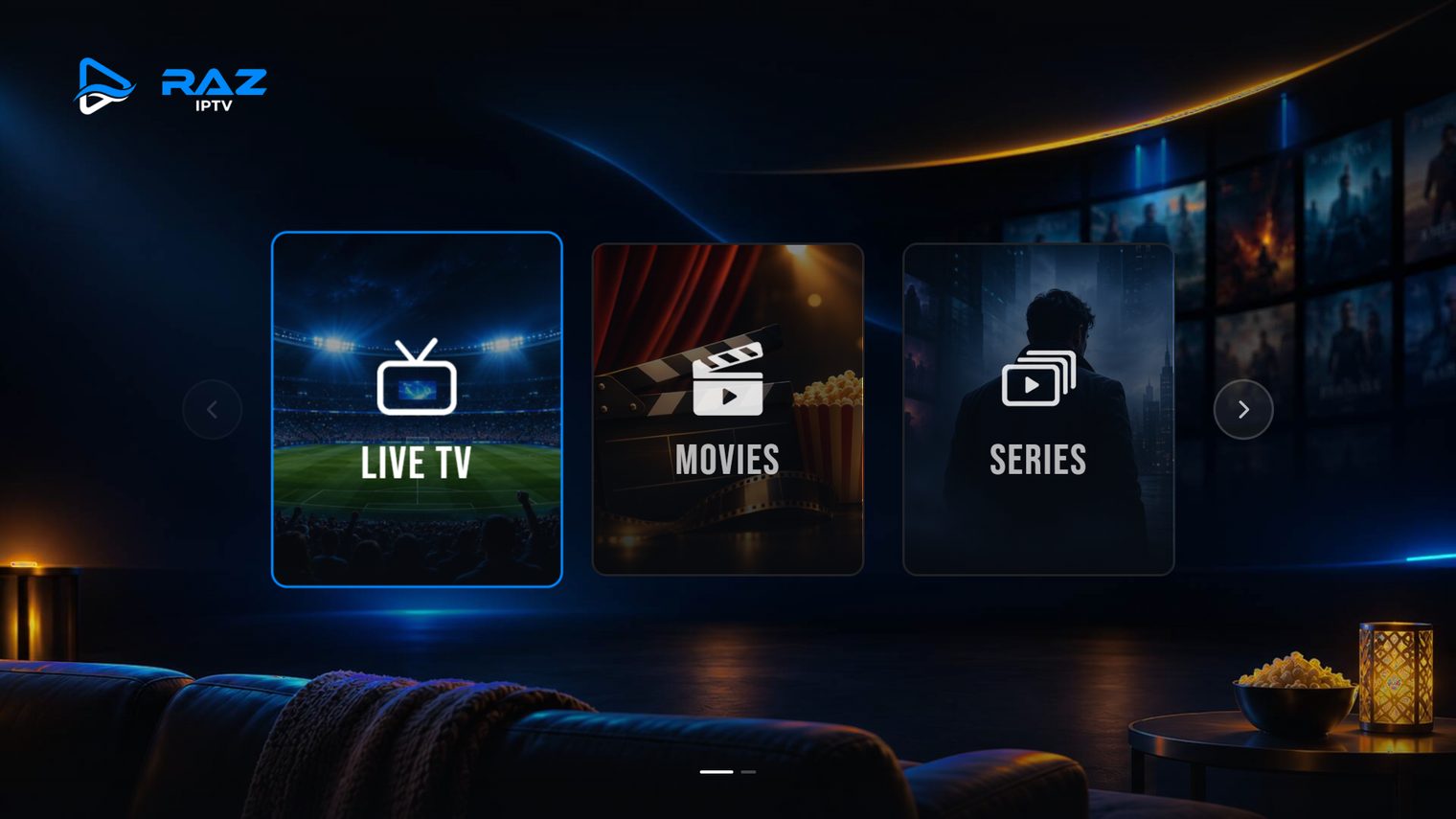
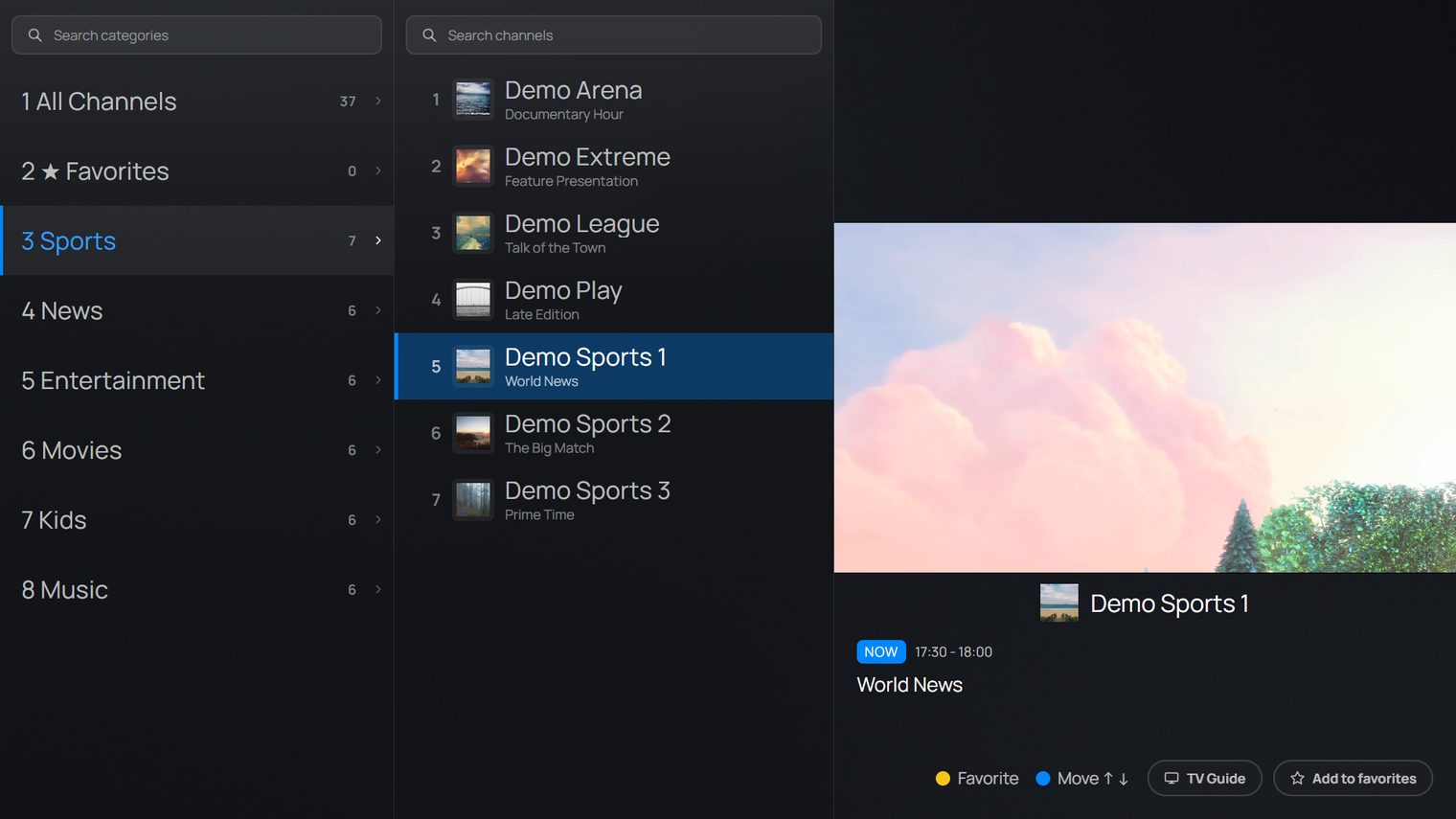
Live TV with instant preview
Zap through channels in a fast side list while the preview keeps playing.

RAZ IPTV brings Live TV, Movies and Series together in one fast, elegant app for your Smart TV and Android devices.
 LGwebOS
 Tizen
 Android
 Google TV



















Built for the remote from day one, so every screen feels fast and obvious.
Zap through channels in a fast side list while the preview keeps playing.
Poster grids, seasons and episodes with search and categories.
See what's on now and next for every channel, straight from your provider's EPG.
Star your channels and move categories and channels into the order you want.
Lock categories with a PIN and hide the ones you never watch.
Scan a QR code on the TV and type your playlist on your phone instead.
Swedish, English, Arabic, German, Turkish and more, switchable any time.
No account to create. Playlists are stored on your device, not with us.
Browse channels in a fast side list with instant preview, a full TV guide, favorites and quick zapping. Everything responds the moment you press a button.
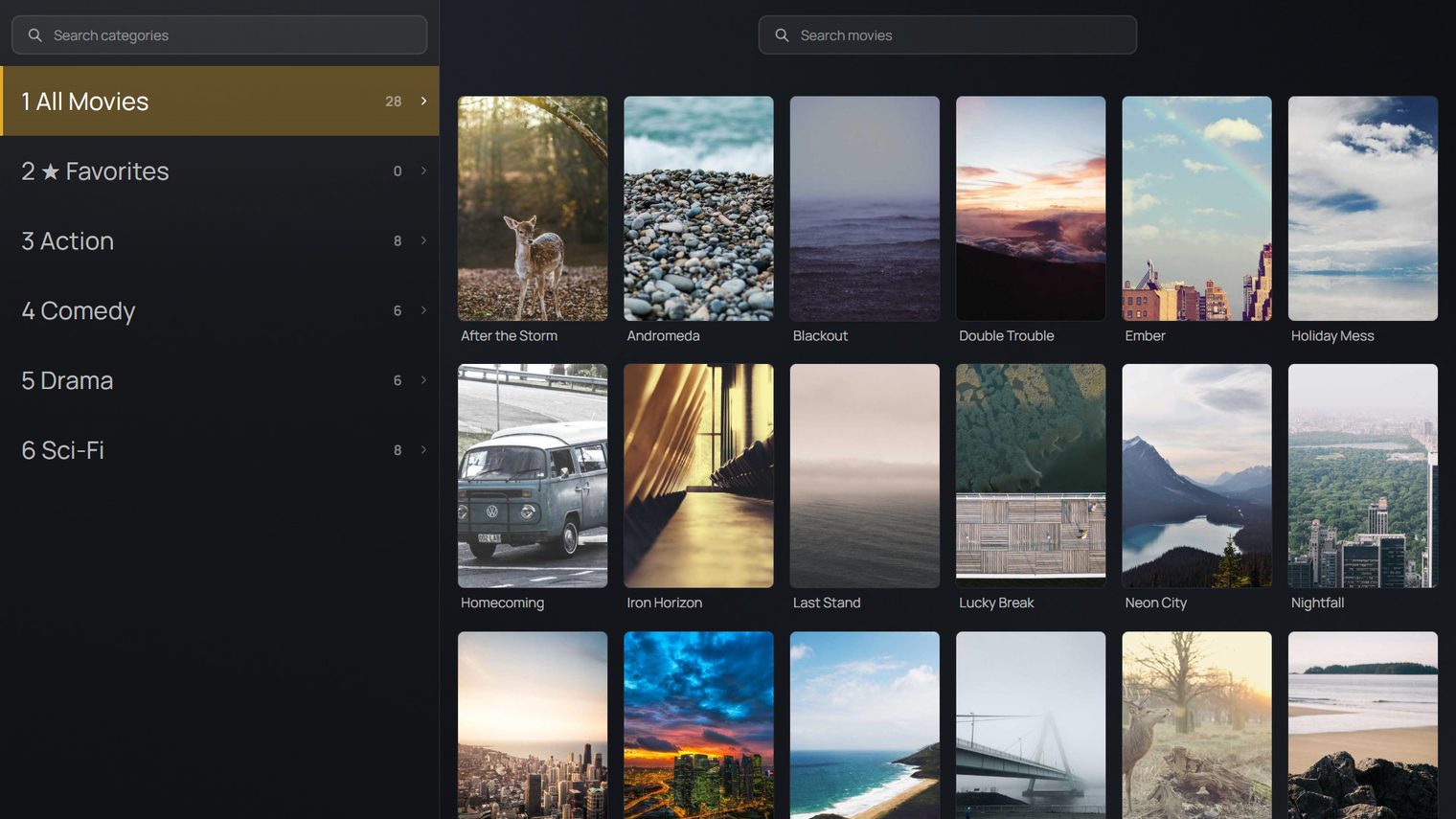
Your movie library in a clean poster grid with search and categories, so you always find something to watch in seconds.
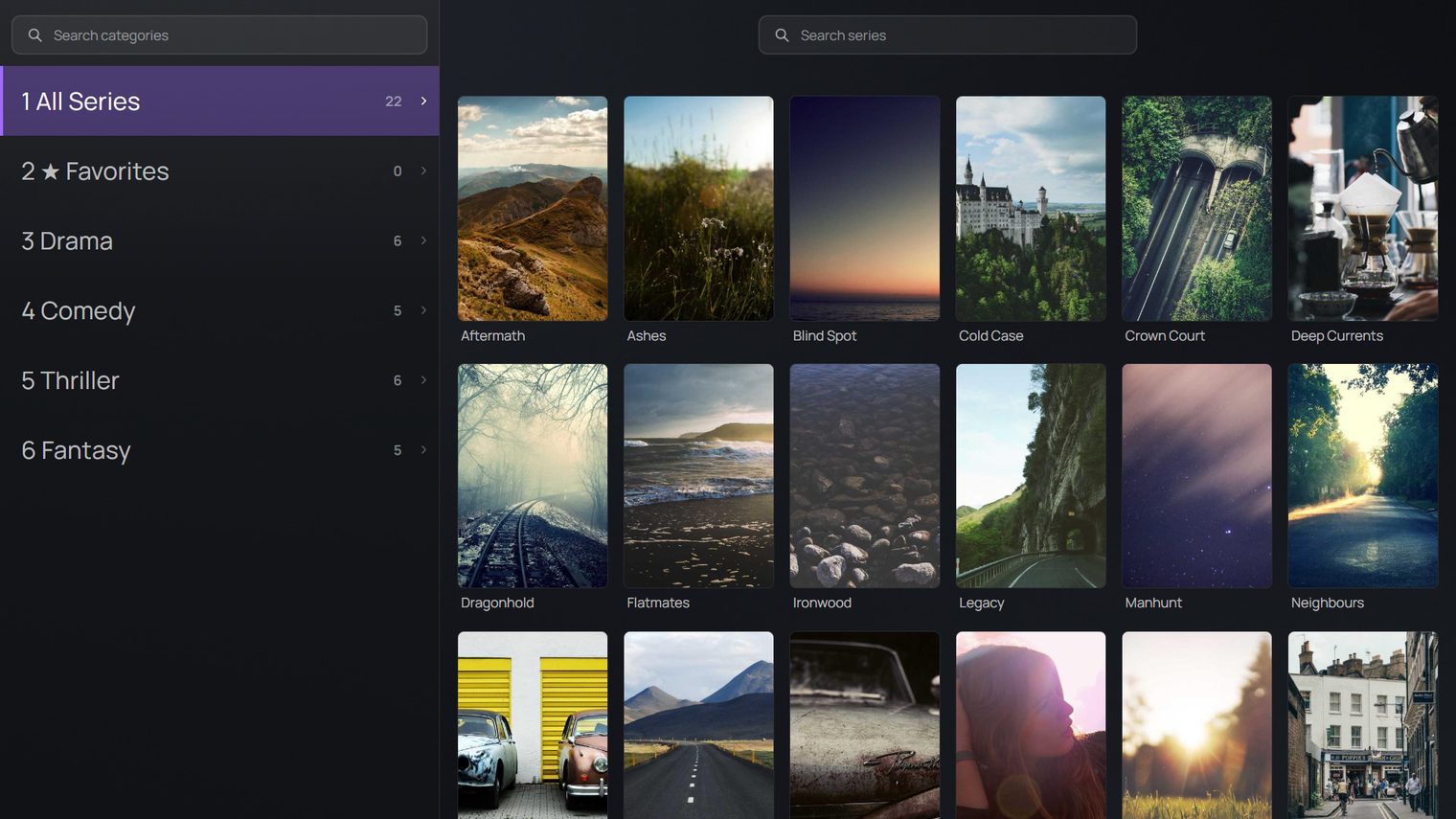
Track shows across seasons and episodes with posters and quick navigation, so you can pick up right where you left off.
Open Add Playlist on the TV, scan the QR code and fill in your playlist on your phone. The TV picks it up by itself within seconds.
Install RAZ IPTV from your Smart TV's app store, or download the APK for your Android device.
Sign in with your Xtream account or add an M3U link, right on the TV or from your phone.
Start with a 7 day free trial. When it ends, enter your activation code and keep watching.
On a Smart TV, find RAZ IPTV in your TV's app store. On Android, download the APK below.
 .apk · Android 7.0+
For Android TV and Google TV boxes, phones and tablets.
Coming soonThe first time, Android asks you to allow installs from unknown sources. Allow it for your browser or file manager, then open the APK again.
Try RAZ IPTV free for 7 days. No account, no card.
